Instant
Mask Map
A mobile app that empowers Taiwanese people to improve their efficiency in searching for masks.
↓ View More
As news of COVID-19 spread in early February 2020, panic gripped Taiwan. As people rushed to buy surgical face masks, supplies quickly ran low. To address this problem, a developer and I built an instant mask map by using open data from the Taiwanese government. People can check the current number of masks on the app to prevent making a trip in vain.
Team
Shan Chang - UX/ UI Designer
Alan Chang - Developer
Duration
Feb. 2020
Tools
Figma
7,832
Download times
during 03/10/2020 ~ 05/27/2021
4.3/5.0
Reviews
Google Play
Platform
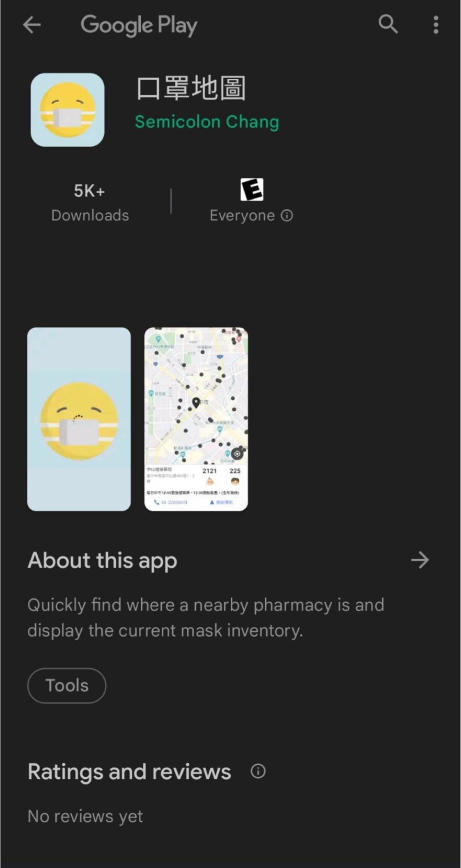
Downloads over 7,800 times on Google Play
Impact
Our goal is to provide users with a safe and efficient way to obtain face masks during the pandemic.
With our app, users can easily locate nearby pharmacies and check their current inventory of face masks. This not only saves time but also reduces the risk of infection that may occur while waiting in long lines with others.
The app provides the following benefits for users in Taiwan:
Conveniently locate and navigate to nearby pharmacies that provide face masks
Browse current mask inventory for both children and adults, helping users to make informed decisions about where to go for their specific needs.
What People Were Saying
Pain points
“Visiting and checking the number of masks in each pharmacy wastes my time.”
— Interviewee #1
“I often found that the masks are out of storage when entering the pharmacies. Hate lining up for nothing.”
— Interviewee #2
“Children's masks ran out of stock quickly. It was harder to search for children's masks than adult ones. I couldn't purchase the masks I needed in one place.”
— Interviewee #3
How might we improve the efficiency of searching masks?
View the real-time data
Luckily, we got an instant number of mask inventory through the open data from the Taiwanese government. To make the data visual, I decided to refer to Google Maps, showing the available pharmacies, inventory numbers, and types of masks on the map.
1
Showing the mask inventory in real-time in each pharmacy
2
Comparing masks’ inventory numbers all at once
3
Visualizing nearby pharmacies’ locations
Ideation
Design
Wireframing the keyflow for searching masks
Narrow Down Your Search Scope
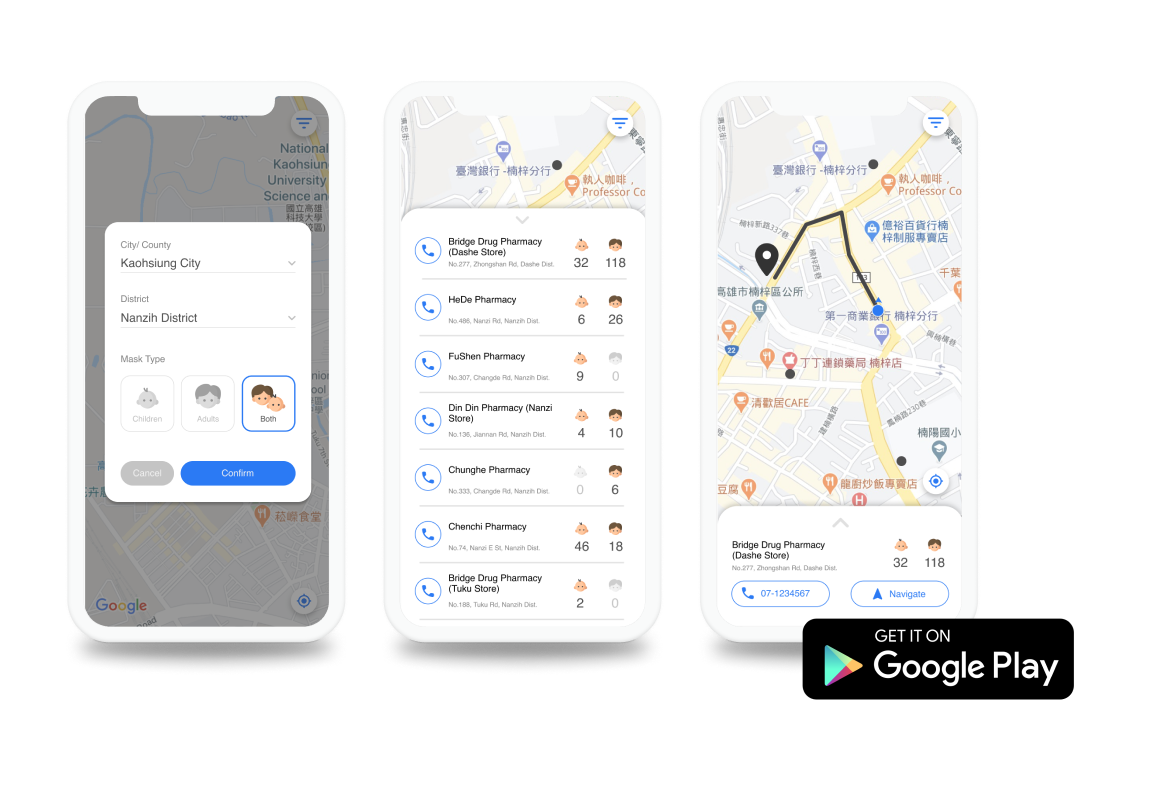
To narrow down the search scope, users can tap on buttons to filter by location and mask type (children and adults).
Efficiently Compare Mask Availability with a Vertical Display
By displaying the numbers vertically in a single list, users can efficiently compare and identify which pharmacy has the highest number of face masks in the area.
Efficiently Guide Users to Nearby Mask Providers
Because of the mask shortage, people want to quickly find and reach a pharmacy with available stock. The map feature provides suggested routes to help users reach their chosen pharmacy faster.
User Testing
Iteration based on testing
To ensure a seamless user experience on the app, I conducted user testing on my wireframes, gathering feedback from individuals to improve the design.
Dropdown Menu Enhances User Experience for Locating Areas
Users had difficulty finding specific buttons (e.g. Chelsea in Manhattan) during testing, which caused delays.
To improve this, buttons were replaced with a dropdown menu that allows users to quickly find their area by typing keywords or scrolling through options.
Vertical Display of Information Cards for Seamless User Experience
Initially, the information card for a specific pharmacy was displayed horizontally, causing confusion for users after browsing through results displayed vertically.
To improve the user experience, I changed the card display to a vertical orientation, ensuring consistency and intuitive swiping.
Design
Hi-Fi Screens & Prototype
Going LIVE!
As a solo UI/UX designer, I collaborated with Android/iOS developer Alan Chang to design and publish my first app, which has been downloaded 7,832 times and earned a rating of 4.3 out of 5.0.
Thanks to our collaboration and attention to detail, the app has helped many Taiwanese users find masks efficiently during the COVID-19 pandemic.
Reflection
What I learned from collaboration with a developer
Through collaboration with each other, I understood the importance of communication between designers and engineers.
Having fluid and transparent communication, I would know whether the ideas are feasible before starting the design and save more time.
Trade-offs happened in the real-world project
Because of time limitations, we cannot fulfill every ideal design at one time. We eventually published the 1.0 version that only includes the most important features, see the instant number when searching for masks on the map, to help current Taiwanese people get masks first.
As a trade-off, we have to sacrifice the “filter” and “suggested route” features but update them afterward.
Users have different usage for icons across Android and iOS
I followed Google Material Design guidelines to ensure a consistent experience for Android users.
However, as an iOS user, I initially selected an icon for the "Locate Me" button that represented "Navigate," which could confuse Android users. Thanks to the developer's feedback, I was able to correct the icon and ensure a seamless experience for all users.
You may also like
-
![]()
Nearby Parking
A two-sided marketplace that connects people who want to rent out their idle parking spots with people who are looking for places to park.
-
![]()
EmoBeat
A wearable solution that utilizes biometric data and emotion to address the problem of song recommendations not matching young adults' preferences.
-
![]()
Veticure
A mobile application that enables pet owners to access reliable pet health knowledge easily.
-
![]()
Kazani Beauty
Evaluate and improve the usability issues on a hair beauty website to make users stay on the website and purchase.
-
![]()
Simula Design System
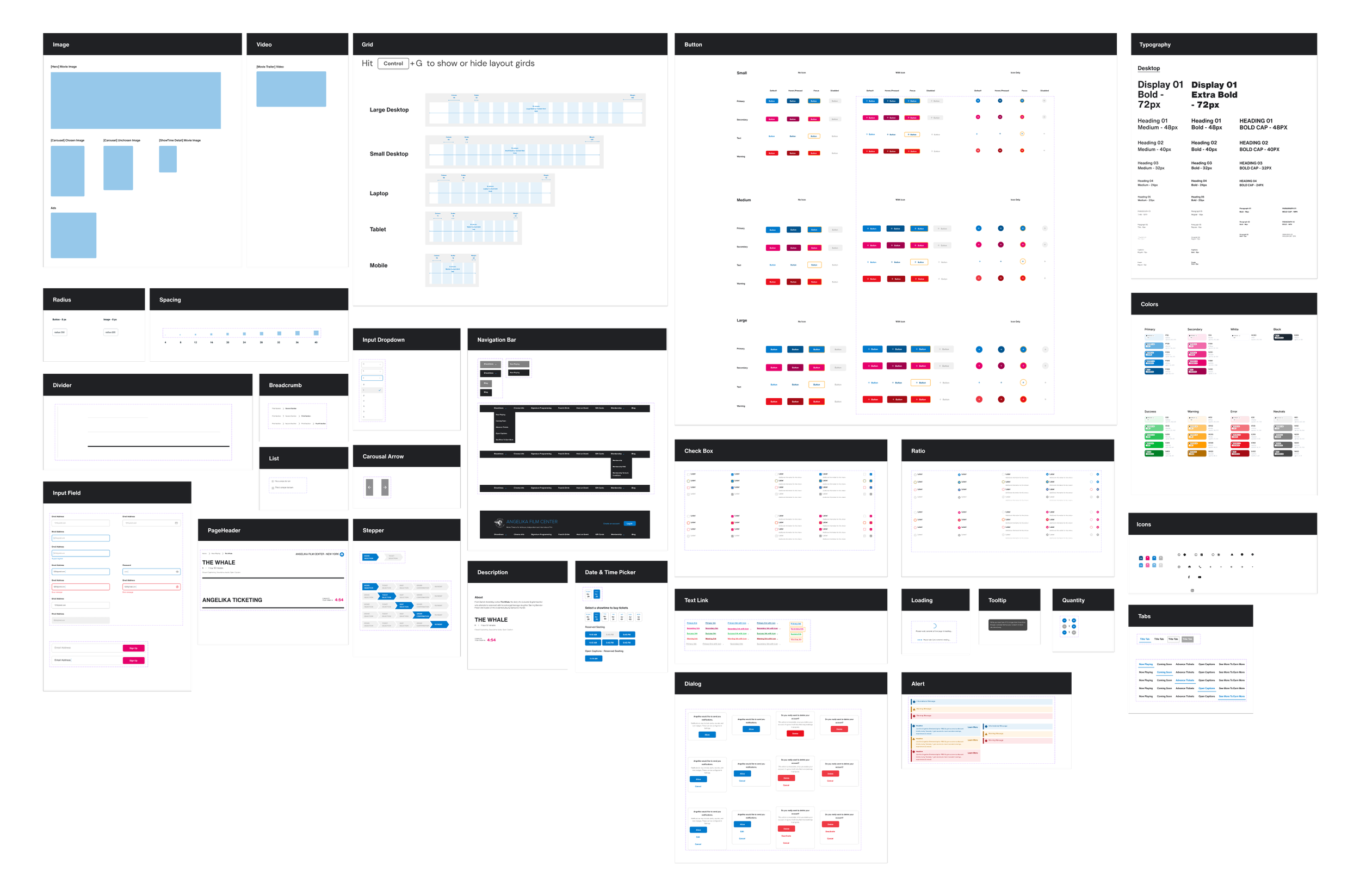
Crafting an atomic design system to address design inconsistencies and enhance accessibility.